Which AI Image Model is the BEST for your next project?
For AI filmmakers establishing visual pre-production and asset pipelines, this blind test provides practical criteria for selecting base image generation models based on skin realism and character fidelity.
What this lesson covers
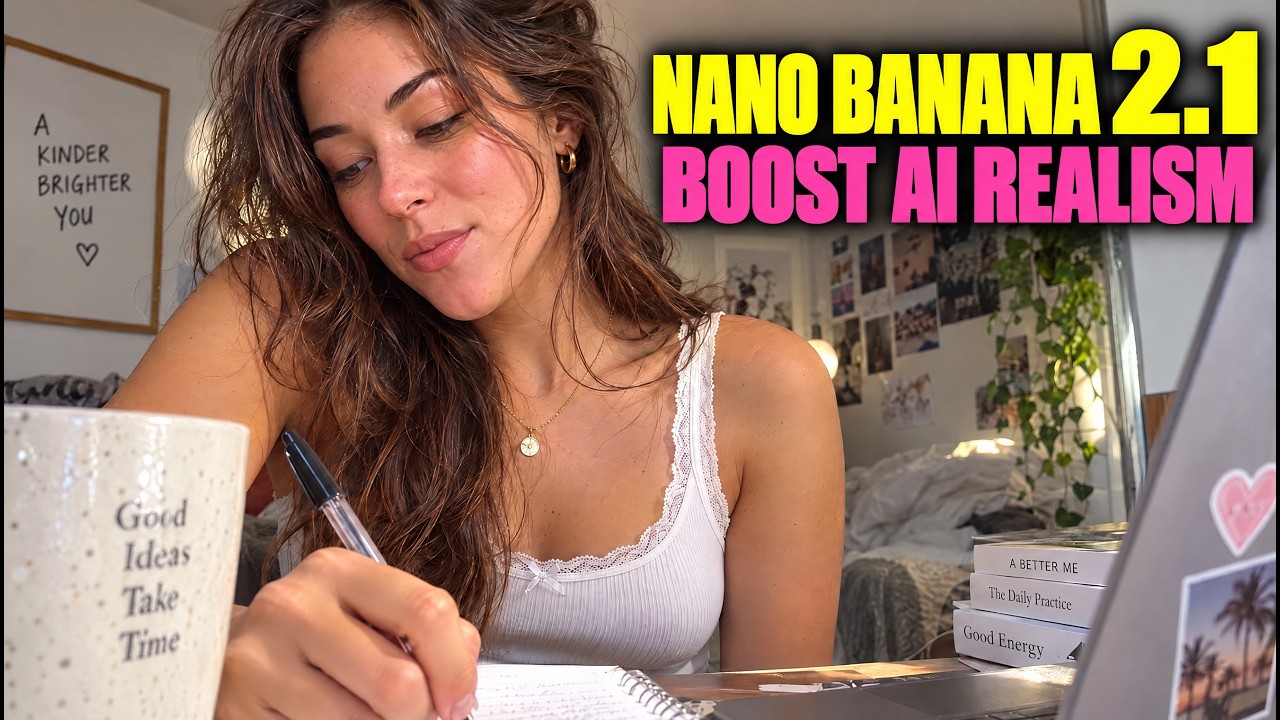
Creator Jian conducts a blind head-to-head evaluation between image models Nano Banana 2.1 and GPT Image 2.5 across ten categories using Artlist. The comparison examines photorealism, skin micro-textures, complex scene text, and multi-character reference retention.
Key takeaways from the creator
AI-extracted notes, not independently verified product claims. Timestamp links let you check each point in the original video.
- 01:07 ↗
Reference photo consistency performs better in medium and close shots, whereas increased subject distance can lead to plasticky skin textures and likeness drift.
- 03:42 ↗
Testing multi-character reference prompts with up to 16 distinct subjects exposes significant divergence in facial likeness retention and background coherence between competing models.
- 04:41 ↗
Dense environment prompts that require non-Latin text rendering reveal model limitations in handling regional typography and maintaining distinct background figures.
- 05:42 ↗
Close-up macro shots of skin, textiles, and tools demonstrate distinct rendering styles, separating models that preserve raw pores from those that introduce smoothed or blurred artifacts.
- 08:34 ↗
Leading image models have evolved to render legible graphic typography and brand names reliably within complex commercial fashion layouts without letterform gibberish.
Workflow outlined in the video
- Run blind side-by-side prompt tests across identical seeds and prompts to remove model brand bias from your asset evaluation.
- Test character consistency by evaluating both single-subject portraits and challenging multi-subject group prompts to observe likeness drift.
- Zoom into macro details such as hands, eyes, and skin texture to verify whether fine micro-details remain sharp or appear artificially blurred.
- Assess compositional control by prompting dense scenes with layered background elements, crowd figures, and specific lighting conditions.
- Evaluate graphic design utility by prompting explicit typography and branding text within poster-style compositions.
Before you use this workflow
These notes describe the source video at its publication date. Model access, pricing, connectors and interfaces may have changed. Check the original source and the provider’s current documentation before installing an add-on, connecting an account or spending credits.
ReelStack has not independently tested this workflow. Preview one representative shot and check motion, continuity and output quality before applying it to a full production. No result, cost saving or model capability is guaranteed.
Explore the tools
How to interpret the numbers
3,089 views captured 30 October 2026. ReelStack recommendation score: 24/100. Formula: radar-v5. This is ReelStack’s calculation, not a YouTube rating or a measure of factual accuracy.
Show the calculation
- 65% performance: 0.22× views vs 10 other channel videos observed at a similar age. View-evidence factor 76% (views / (views + 1,000))
- 25% freshness: 46/100 with a 14-day half-life
- Momentum pending: collecting daily snapshots; its 20% weight goes to observed performance, not free points
- 10% engagement: 40/100; likes + 4× comments, smoothed with a 500-view neutral prior