Can AI Generate All Marketing Images and Videos in Under 30 Minutes? Higgsfield Ad Studio Tutorial
Useful for AI commercial creators and marketers seeking a rapid pipeline to turn single product photos into multi-format video and static ad campaigns using template-driven AI platforms.
What this lesson covers
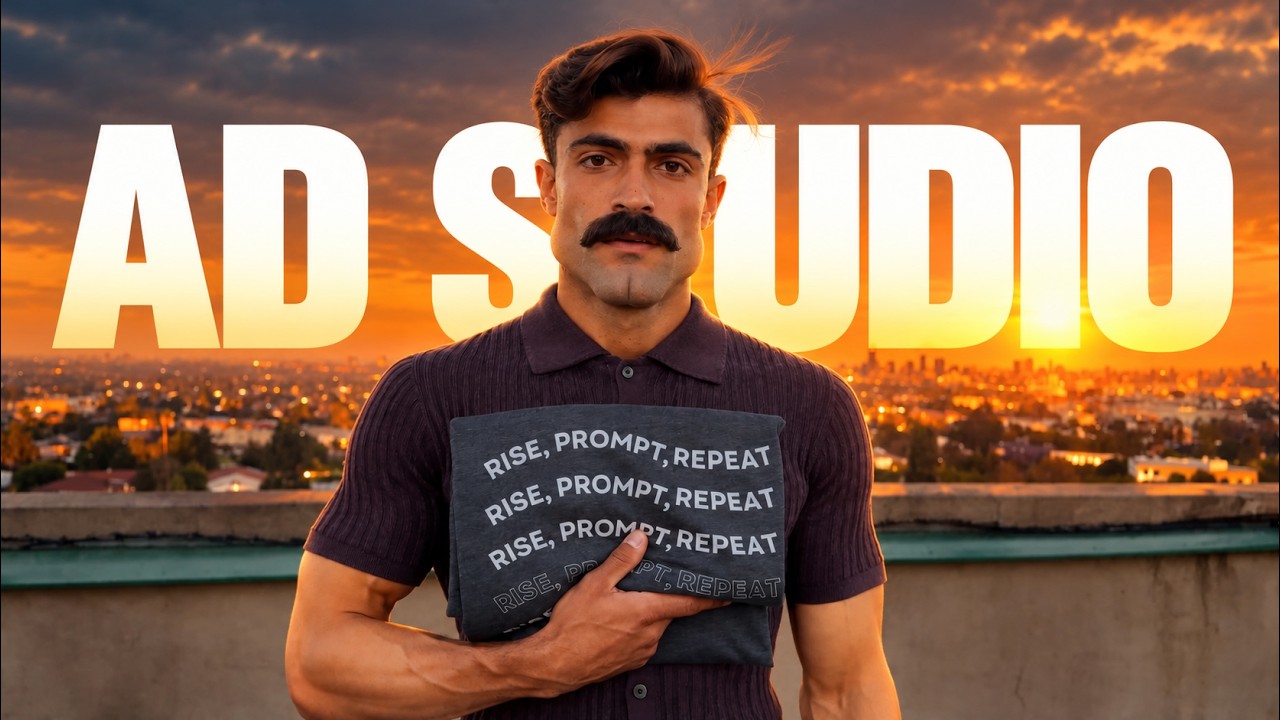
Diego Galvao demonstrates how to build an entire set of marketing images and video ads in under 30 minutes using Higgsfield tools. He walks through photographing a physical product, setting up video try-on ads with an AI avatar in Marketing Studio, and generating static image campaigns in Ad Studio.
Key takeaways from the creator
AI-extracted notes, not independently verified product claims. Timestamp links let you check each point in the original video.
- 01:28 ↗
Higgsfield Ad Studio splits functionality between static ad creation, ad multiplication, and video ad generation via Marketing Studio.
- 02:04 ↗
Video ads can be generated from uploaded product stills using preset styles like 'try on', custom environment settings, specified aspect ratios (16:9 or 9:16), and custom AI avatars.
- 04:35 ↗
Brand kits in Ad Studio can automatically scrape brand colors, selling points, and target demographics directly from an e-commerce website URL.
- 08:12 ↗
Batch generation of static ad images consumes credits per image (e.g., 4 credits each) and renders significantly faster than video pipelines.
Workflow outlined in the video
- Take a clear photo of the physical product and upload it into Higgsfield.
- Open Marketing Studio, select the 'try on' style, and upload the product image to attach it to an avatar.
- Configure video parameters including environment setting, aspect ratio (16:9 or 9:16), 15-second duration, spokesperson prompt, and avatar selection before submitting generation.
- Navigate to Ad Studio to set up a brand kit, either pasting a store URL to auto-extract details or manually entering brand colors, audience personas, and descriptions.
- Specify the quantity of static image ad variations needed and generate them simultaneously while video rendering completes.
Before you use this workflow
These notes describe the source video at its publication date. Model access, pricing, connectors and interfaces may have changed. Check the original source and the provider’s current documentation before installing an add-on, connecting an account or spending credits.
ReelStack has not independently tested this workflow. Preview one representative shot and check motion, continuity and output quality before applying it to a full production. No result, cost saving or model capability is guaranteed.
Explore the tools
How to interpret the numbers
587 views captured 30 October 2026. ReelStack recommendation score: 27/100. Formula: radar-v5. This is ReelStack’s calculation, not a YouTube rating or a measure of factual accuracy.
Show the calculation
- 65% performance: 0.43× current views vs the channel's recent median; same-age history is not yet available. View-evidence factor 37% (views / (views + 1,000))
- 25% freshness: 54/100 with a 14-day half-life
- Momentum pending: collecting daily snapshots; its 20% weight goes to observed performance, not free points
- 10% engagement: 58/100; likes + 4× comments, smoothed with a 500-view neutral prior